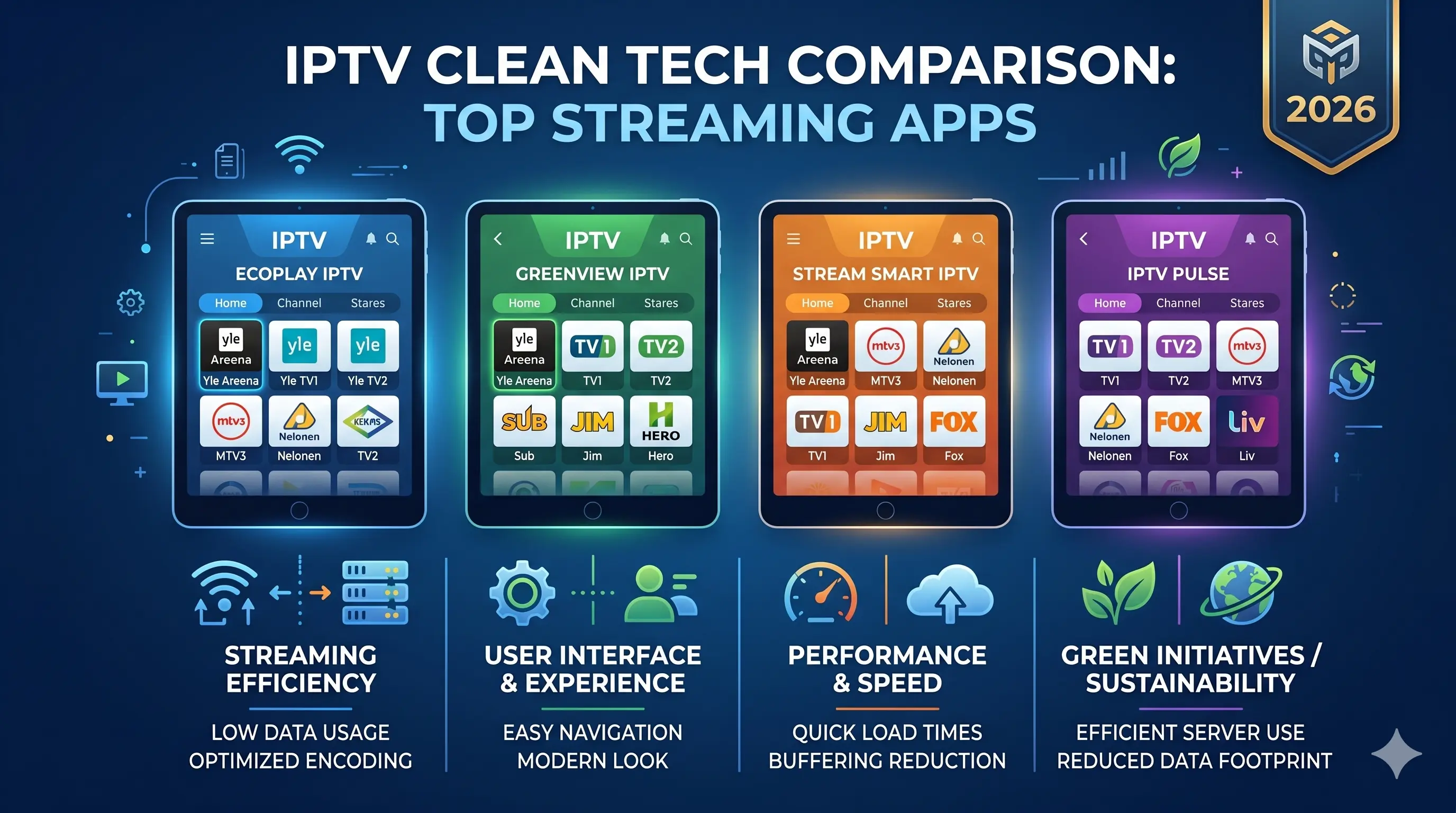
Best IPTV Apps in Finland 2026 – TiviMate, IPTV Smarters and GSE Compared
The right IPTV app is just as important as a good provider. The wrong app can cause buffering, a missing EPG or a difficult interface. In this guide we test every app on Firestick, Smart TV, iPhone and Android — and tell you which suits which use case.
Best IPTV Apps 2026 – All Tested
We tested every app with the same Finland IPTV subscription on the same devices from February 2026.
TiviMate
Best Android and Firestick app. TiviMate is built from the ground up for Android devices, and it shows: the channel list loads in a second, the EPG updates automatically and multi-stream viewing works seamlessly.
- Free basic / Premium ~$4.99/year
- Multi-stream: watch 4 channels simultaneously
- Catchup TV support (7 days)
- Automatic EPG update
- Multiple profiles (for the family)
✅ Best choice for Firestick and Android users
IPTV Smarters Pro
Most versatile platform compatibility. IPTV Smarters runs on iOS, Android, Windows PC, macOS, Amazon Firestick and Samsung Smart TV. It is the only app that covers all these platforms natively.
- Free (App Store and Google Play)
- Xtream Codes, M3U URL, M3U file
- EPG programme guide
- Integrated VOD library
- Catchup TV support
✅ Best choice for iPhone and multi-platform users
GSE Smart IPTV
Most versatile filtering and list management. GSE Smart IPTV is particularly strong if you have multiple M3U playlists or want fine-grained channel management. The interface is slightly more complex than rivals, but the feature set is the widest.
- Free (with ads) / Pro ~$2.99
- Multiple M3U playlists simultaneously
- Advanced filtering and channel sorting
- Native Chromecast support
- EPG support in XMLTV format
✅ Best choice for power users and Apple TV
IBO Player
Lightest option for older devices. IBO Player is designed to run smoothly on older Android boxes and Smart TVs where TiviMate or IPTV Smarters may slow down.
- Free basic version
- Lightweight — runs on 1–2 GB RAM devices
- Simple interface
- M3U and Xtream Codes support
✅ Best choice for older or low-spec devices
IPTV Apps Comparison Table 2026
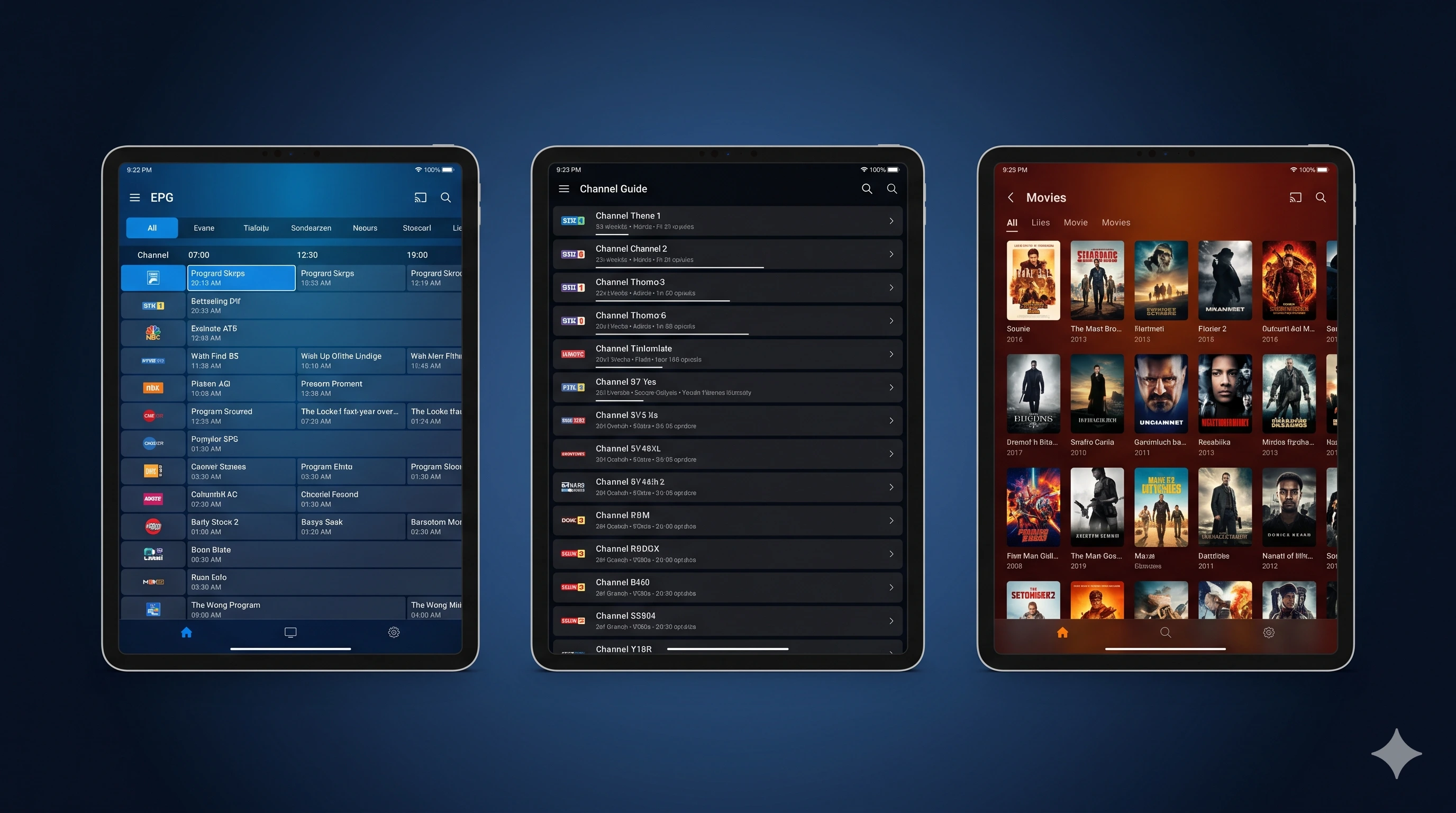
| Feature | TiviMate ★ | IPTV Smarters Pro | GSE Smart IPTV | IBO Player |
|---|---|---|---|---|
| Price | Free / ~$5/year | Free | Free / ~$3 | Free |
| Android / Firestick | ✓ Best | ✓ | ✓ | ✓ |
| iOS / iPhone | ✗ | ✓ Best | ✓ | ✗ |
| Apple TV | ✗ | ✓ | ✓ Best | ✗ |
| Samsung Smart TV | ✗ | ✓ | ✗ | ✗ |
| Windows / Mac | ✗ | ✓ | ✗ | ✗ |
| EPG programme guide | ✓ Automatic | ✓ | ✓ XMLTV | ✓ Basic |
| Multi-stream | ✓ 4 simultaneously | ✓ 2 | ✗ | ✗ |
| Catchup TV | ✓ | ✓ | ✓ | ✗ |
| Xtream Codes | ✓ | ✓ | ✓ | ✓ |
| M3U URL / file | ✓ | ✓ | ✓ | ✓ |
| Chromecast support | ✗ | ✓ | ✓ | ✗ |
How to Install an IPTV App – By Device
Amazon Firestick — TiviMate (recommended)
- Open Settings → My Fire TV → Developer Options → Apps from Unknown Sources: ON
- Download the Downloader app from the Firestick App Store
- Open Downloader and enter the URL:
https://tivimate.com/apk(or search for the APK version) - Install the APK and open TiviMate
- Select "Add Playlist" → Xtream Codes or M3U URL → enter your credentials
- The channel list loads automatically within seconds
iPhone / iPad — IPTV Smarters Pro
- Open the App Store → search "IPTV Smarters Pro" → install
- Open the app → "Add User"
- Select "Load your playlist or file/URL" or "Xtream Codes API"
- Enter the login credentials from your provider
- Tap "Add User" — channel list loads automatically
Samsung Smart TV — IPTV Smarters
- Open your Smart TV's Apps section
- Search for "IPTV Smarters" or "Smart IPTV" — install
- Open the app and add your provider's M3U URL or Xtream Codes
- Accept the terms and the channel list updates automatically
Apple TV — GSE Smart IPTV
- Open the App Store on Apple TV → search "GSE Smart IPTV" → install
- Open the app → "Remote URL Playlist"
- Add your M3U URL from the provider
- Channels load automatically — EPG is activated separately in settings
See the full Firestick installation guide: IPTV on Firestick in Finland 2026 →
What is Xtream Codes and M3U? – A Clear Explanation
Xtream Codes is an IPTV login protocol that uses a username, password and server URL. It is the most secure way to connect to an IPTV service because accounts can be managed remotely and channels update automatically.
M3U URL is a simpler approach — a direct link to a channel list. It works in virtually all apps but channels must be updated manually when the list changes.
| Feature | Xtream Codes | M3U URL |
|---|---|---|
| Security | High — protected login | Low — sharing URL opens access |
| Automatic update | ✓ Real-time | Manual update needed |
| VOD library | ✓ Full integration | Limited |
| Catchup TV | ✓ | Typically not |
| App support | TiviMate, Smarters, GSE | All apps |
Recommendation: Always use Xtream Codes login if your provider offers it. Finland IPTV always delivers Xtream Codes credentials with the subscription.
Frequently Asked Questions about IPTV Apps
What is the best IPTV app in Finland?
Is TiviMate free?
Does IPTV Smarters support Xtream Codes login?
Which IPTV app works on Smart TV?
Can I use an IPTV app without a subscription?
Once you have chosen your app, you need a quality provider — see which is the best IPTV service in Finland for 2026.
IPTV apps in Finland: practical details, benchmarks and buyer checks
What Finnish users should verify before trusting the page or service
Finland is a demanding streaming market because many homes use a mix of fibre, 5G home internet, apartment Ethernet and older Wi‑Fi routers. A useful IPTV guide should therefore discuss the whole chain: the subscription credentials, the player app, the router, the TV device and the support process. If one part is weak, channel quantity alone will not make the experience good.
- Test during prime time, especially Friday evening and live sports, not only at noon.
- Check EPG accuracy for Finnish channels, Nordic sports and children’s channels.
- Use Ethernet where possible; if using Wi‑Fi, prefer 5 GHz or Wi‑Fi 6 near the television.
- Confirm the refund window, support language and whether renewal is manual or automatic.
Mini infographic: the reliable IPTV setup
The best results come from matching the app to the device: TiviMate for Android TV and Firestick, IPTV Smarters for iPhone and cross-platform users, and a lightweight player on older televisions. Avoid judging the service until you have tested another app, restarted the router and compared Wi‑Fi with a wired connection.
Editorial quality checklist for this page
To make this page more useful than a thin landing page, it should contain a unique explanation, a practical checklist, real limitations, internal links to related guides, descriptive images and structured data. Those elements help both people and crawlers understand why the page exists separately from the homepage.